Featured
How to Use a Stud Finder Accurately for Wall Mounting
Learn how to use a stud finder accurately for wall mounting in 8 easy steps, from calibration to marking true stud centers before you drill.
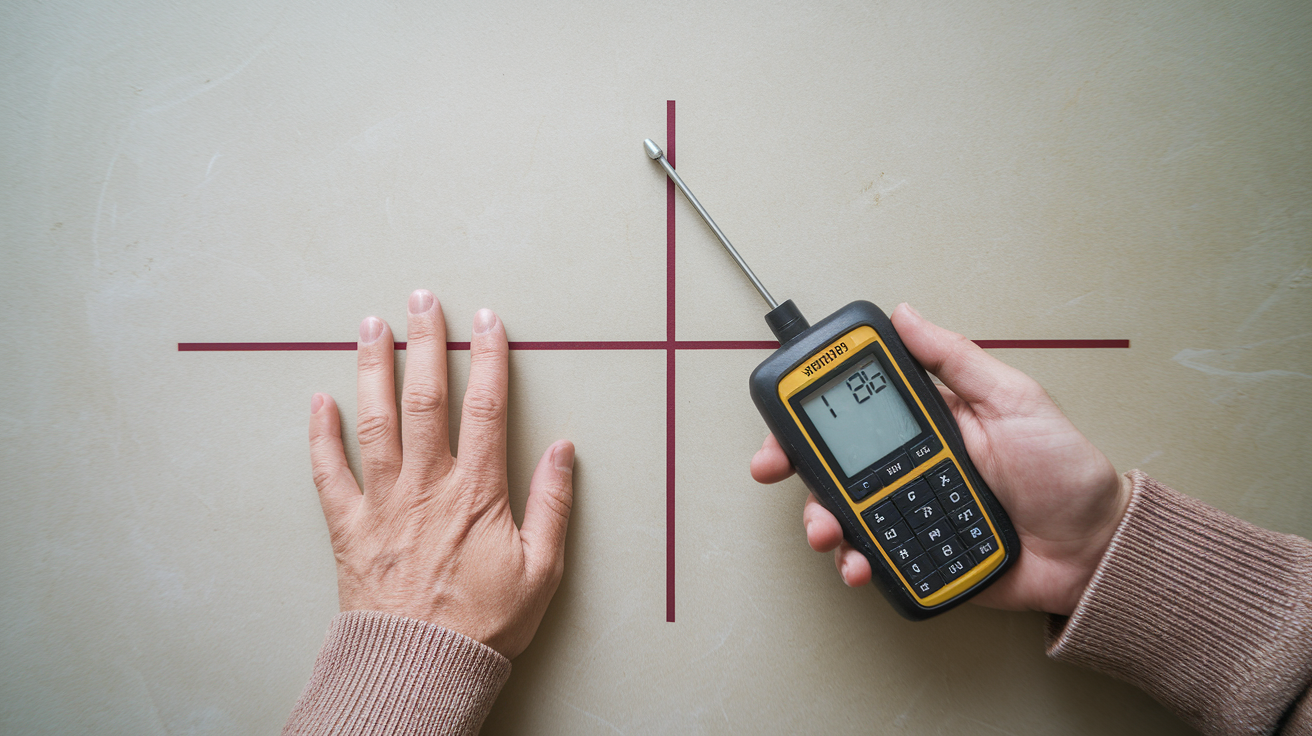
Think a single beep from your stud finder means it’s safe to drill?
Not even close.
This quick guide shows eight simple steps to get accurate stud locations for wall mounting.
We’ll cover the prep, picking the right mode, calibration, slow two-way scans, marking stud edges, finding the centre, and verifying with a magnet or spacing checks.
Do this and your shelf or TV will hang on solid wood, not just drywall.
If scans hint at wires or pipes, stop and call a licensed pro.
Quick Start: Eight Steps Before Drilling
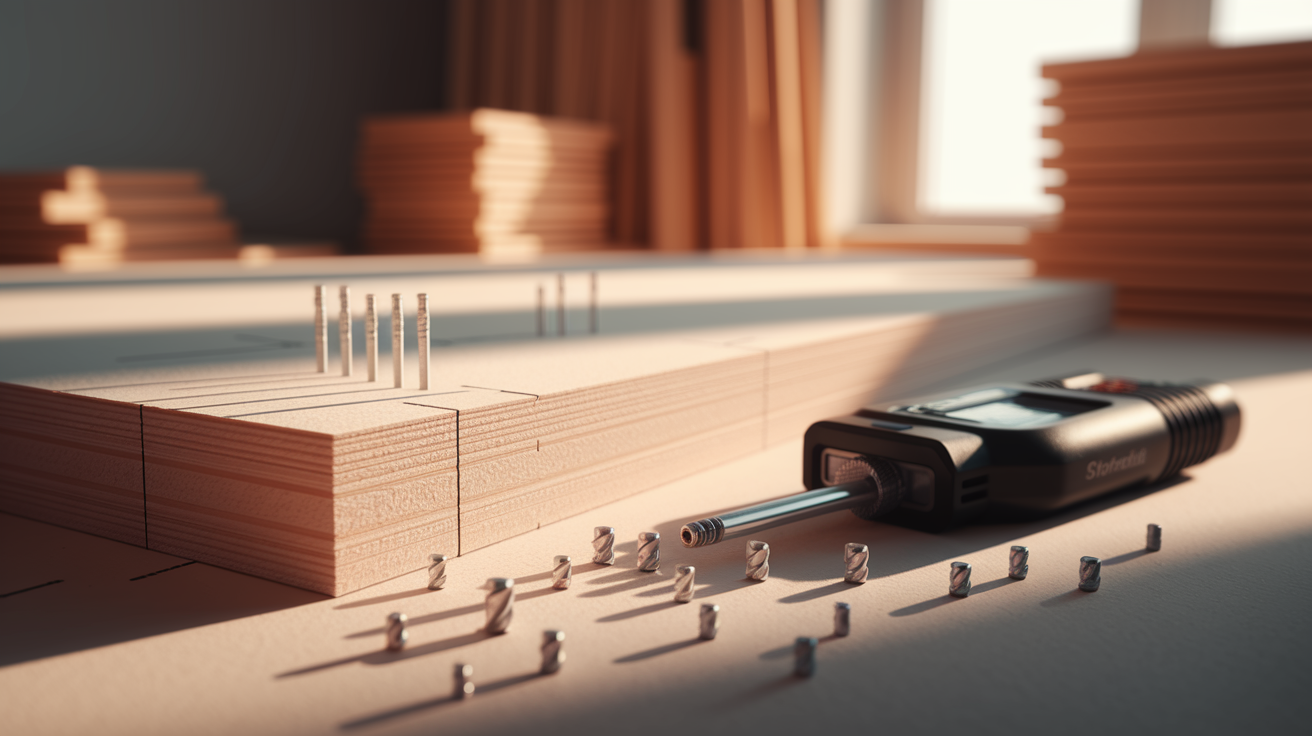
A wall stud is just a structural board hiding behind your drywall. It gives you something solid to anchor into instead of hollow wall and air.
Before you grab a drill, run through these eight steps with your stud finder. This is the short version, so bookmark it if you need a quick refresher later.
- Check that the battery has enough charge to power the sensor reliably.
- Select the correct scan mode for your wall (standard, deep, metal, or wood).
- Calibrate the device against a neutral section of wall, away from obvious studs or fixtures.
- Hold the stud finder flat against the wall, with even pressure across the whole sensor.
- Scan slowly, moving in a straight line from the left toward your mounting point.
- Scan again from the right, moving toward the same spot, to catch the stud from both directions.
- Mark both edges where the finder alerts you, then measure the midpoint to find the centre.
- Verify your mark using a second method (adjacent stud spacing or a magnet check) before you drill.
That’s the whole process in a nutshell. The sections below walk through each part in more detail, especially the parts people tend to rush.
Calibrating And Preparing Your Stud Finder Before Scanning
(((alt-img2)))
A stud finder is only as good as the setup behind it. If the battery’s weak, the wall’s cluttered, or you’ve picked the wrong mode for your wall type, you can get a confident sounding beep in completely the wrong spot. Reliable readings really come down to four things: battery power, a clear wall surface, the right mode, and proper calibration for your specific model.
Before you scan anything, run through this prep list.
- Remove pictures, shelves, outlet covers, or anything else sitting on or near the wall surface you’re scanning.
- Check the battery, and swap in a fresh one if you’re not sure how old it is. A weak battery is one of the most common causes of flaky readings.
- Wipe down the sensor surface and check it for dust, grime, or scratches that could throw off contact with the wall.
- Choose the mode that matches your situation. Standard for typical drywall over wood, deep for thicker walls, and metal or wood mode if your finder offers material specific settings.
- Calibrate the tool against the wall following your model’s instructions.
For calibration, start in a spot you’re fairly confident is free of studs, pipes, fasteners, or electrical boxes, unless your manual says otherwise. Most multi sensor electronic models ask you to hold the tool flat and still for a few seconds while it reads the baseline density of that section of wall. Moving it too soon, or calibrating right next to a stud without realizing it, is a quick way to throw off the whole scan.
Not every stud finder calibrates the same way, though. Some basic electronic models require you to press and hold against a neutral wall section every single time you turn them on. Others, like the Bosch GMS120, calibrate automatically and even let you switch between wood, metal, and live wire detection modes without restarting the process. Magnetic stud finders skip calibration entirely since they’re just reacting to metal. No batteries, no baseline needed.
One quick note on mode selection: deep scan and metal modes aren’t “better” settings to leave on all the time. They’re built for thicker walls or metal framing, and using them on a standard drywall over wood wall can actually produce wider, less precise readings than standard mode would. Match the mode to the wall, not the other way around.
Step-By-Step: Scanning The Wall With A Stud Finder
(((alt-img3)))
Here’s the thing about stud finders, honestly. They reward patience more than speed. A slow, steady pass beats three rushed ones every time, and keeping the tool flat against the wall with consistent pressure matters just as much as where you start scanning.
Follow these steps for each mounting point:
- Start about 12 inches to the left of where you actually want to drill or hammer.
- Place the stud finder flat against the wall, making sure the whole sensor surface is in contact.
- Turn it on without shifting its position, letting it settle if it needs a moment to read the baseline.
- Slide it slowly to the right in a straight horizontal line, without lifting, tilting, or pressing harder in spots.
- When it alerts you, light, beep, or both, stop immediately and mark that spot lightly with a pencil.
- Now approach the same area from the opposite side, sliding from right to left, and mark the second alert point.
The midpoint between those two marks is your likely stud centre. Grab a tape measure, find the halfway point between the two edge marks, and make a third, clearer mark there. That’s where you’ll eventually drill.
For anything heavier than a small picture frame, don’t stop at one horizontal line. Run the same scan near the top of your intended mounting area, again near the middle, and once more lower down. You’re looking for consistency. The same vertical line showing up at each height tells you you’ve actually found the edge of a continuous stud, not just a random density change or a stray fastener.
Keep in mind that not every stud finder talks to you the same way. Some use a single light that turns on at the edge, others use arrows that point toward the centre, and some combine a steady tone with a flashing light once you’ve hit dead centre. If your model’s behavior doesn’t match what you expected, don’t guess. Check the manual. Assuming your new finder works like your old one is a common way to end up marking the wrong spot.
Verifying The Stud Location Before Drilling
(((alt-img4)))
One clean beep doesn’t mean you’ve found a stud. It might mean you’ve found a pipe, a bundle of wiring, or a stray screw left over from the last person who hung something there. No important or heavy wall mount, especially something like a TV, should ever go up based on a single pass of the stud finder.
Before you commit to a drilling point, run through these checks:
- Rescan your marked spot from both directions again to make sure you get the same result twice.
- Repeat the scan at a different height on the wall, since a real stud runs vertically and should show up consistently.
- Measure 16 inches and 24 inches to either side of your mark and scan those spots too, looking for the next stud over.
- Run a magnet along the wall near your mark to check for a vertical line of dryw
Final Words
Start by checking the battery, selecting the right scan mode, and calibrating the stud finder before you scan. Scan slowly from both directions, mark both edges, find the centre, and verify at several heights.
If readings don’t match, try a fresh battery, switch modes, use a magnet to find screws, or recalibrate — and don’t drill if you get a live-wire warning or stay unsure.
Follow these steps and you’ll know how to use a stud finder accurately for wall mounting, so your TV or shelf goes up solid and stays that way.
FAQ
Q: How to find studs in ceiling with stud finder?
A: Finding studs in a ceiling with a stud finder means checking the battery, choosing the right mode, calibrating on a clear spot, holding the device flat, scanning slowly from both directions, marking both edges, and verifying the centre before drilling.
Q: What is the best stud sensor?
A: The best stud sensor combines reliable wood, metal, and live-wire detection, automatic calibration, deep-scan mode, clear readouts, and good reviews; the Bosch GMS120 is a commonly recommended model.
Q: Can I mount a TV on the wall without finding studs?
A: Mounting a TV on the wall without finding studs is possible for small TVs using heavy-duty toggle anchors or a rated mounting plate, but for large or heavy TVs you should anchor to studs or hire a pro.
Q: Do stud finders work on plastered walls?
A: Stud finders work on plastered walls but signals can be broad or inconsistent; use deep-scan or metal mode, verify with a magnet and multiple passes, and consider stronger detection methods for thick plaster or lath.
More from Politics
 Featured
How to Reset a GFCI Outlet Safely at Home
 DIY Repairs
How to Replace a Leaky Bathroom Faucet Cartridge Easily
 Home Maintenance
How to Adjust Door Hinges to Fix a Sagging Door
 Tools Materials